Project Settings
PVLK Folder Organization for the Content Browser and World Outliner
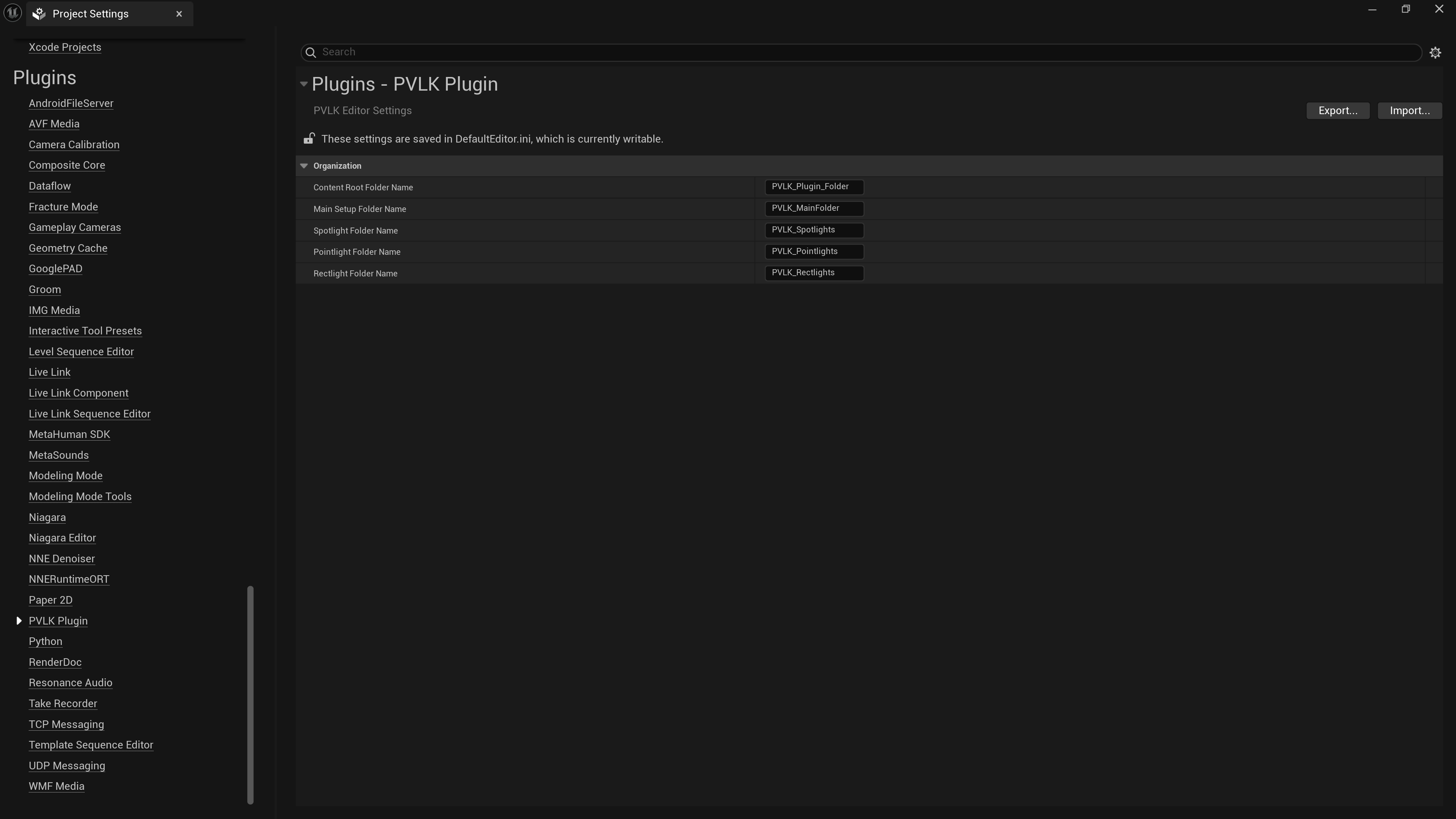
Open Edit → Project Settings → Plugins → PVLK Plugin. Here you control the folder names PVLK uses when it organizes assets and outliner entries, what panel options you may want, and if you want your Post Process Volume to be unbound or not.
Organization
- Content Root Folder Name - the top-level PVLK folder in your Content
Browser and Outliner (default
PVLK_Plugin_Folder). (Changes are applied for next use) - Main Setup Folder Name - where the Height Fog and Post Process are
filed (default
PVLK_MainFolder). This is only for the Outliner. (Changes are applied for next use) - Spotlight / Pointlight / Rectlight Folder Names - the per-type folders for duplicated lights and Outliner grouping. (Changes are applied for next use)
Panel
- Show Presets - show or hide the PVLK Light Presets section. On by default. (Changes are real time)
- Show Spawn Distance Slider - show or hide the Spawn Distance Slider. On by default. (Changes are real time)
Volumetric Setup
- Infinite Extent (Unbound) - makes the default PVLK Post Process Volume either bound or infinte. Only applies when spawning a new PVLK Post Process Volume. See Volumetric Setup for more details. (Changes are applied for next use)
Changes apply immediately - no restart. Because these settings save to your project's
Config/DefaultEditor.ini, committing that file to source control gives your whole
team the same conventions automatically.
PVLK sanitizes folder names (no slashes, no empties)
and falls back to the defaults instead of creating broken paths.
Changes made after already using the default structure, will add a new folder structure in addition
to the default ones.